moCODE is now free & open source — forever View on GitHub →
moCODE - AI coding assistant on Mobile for OpenCode/KiloCode Server | Product Hunt

Code Anywhere with AI Assistance

The mobile companion for OpenCode/KiloCode Server. Connect to your server and bring powerful AI-assisted coding directly to your mobile device. Write, review, and ship code from anywhere with direct voice-to-text at real-time speed.
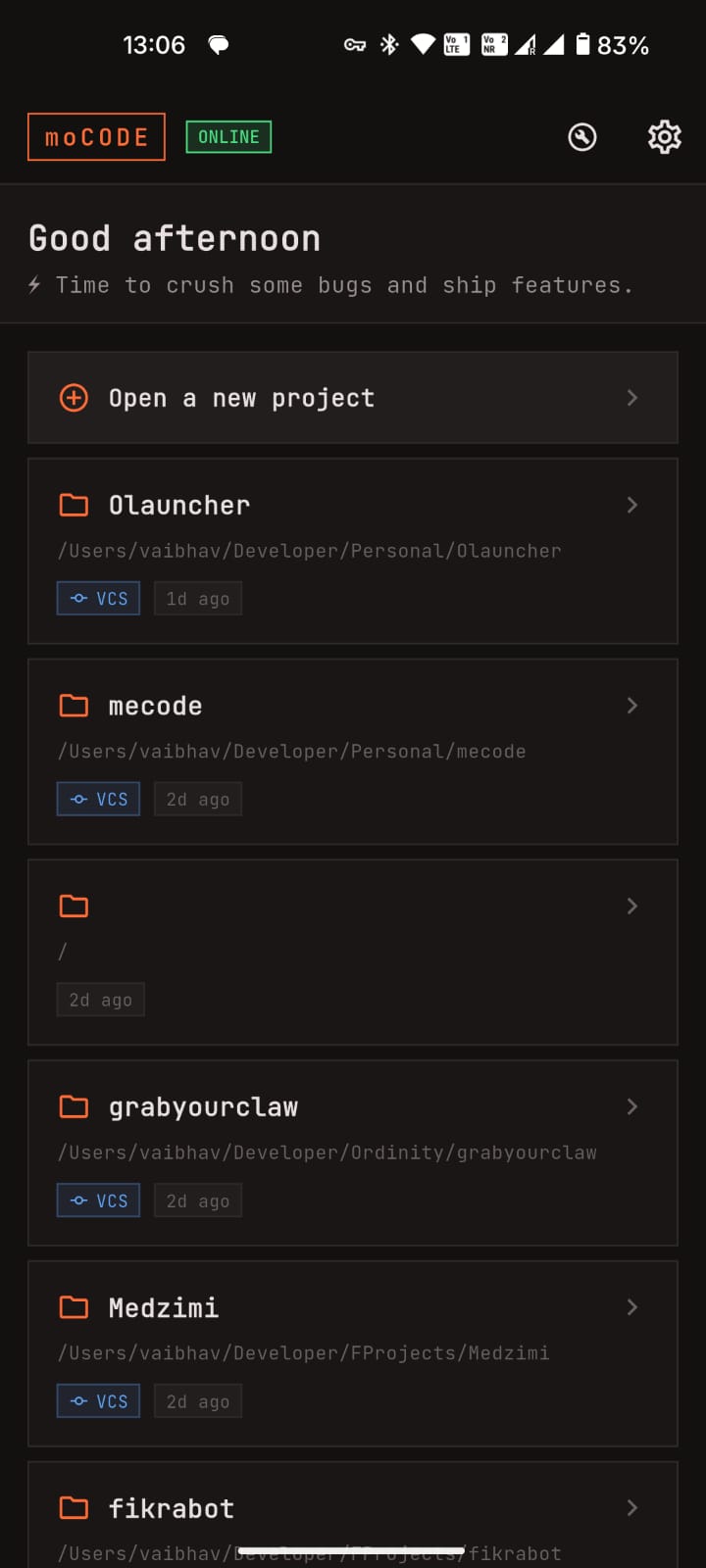
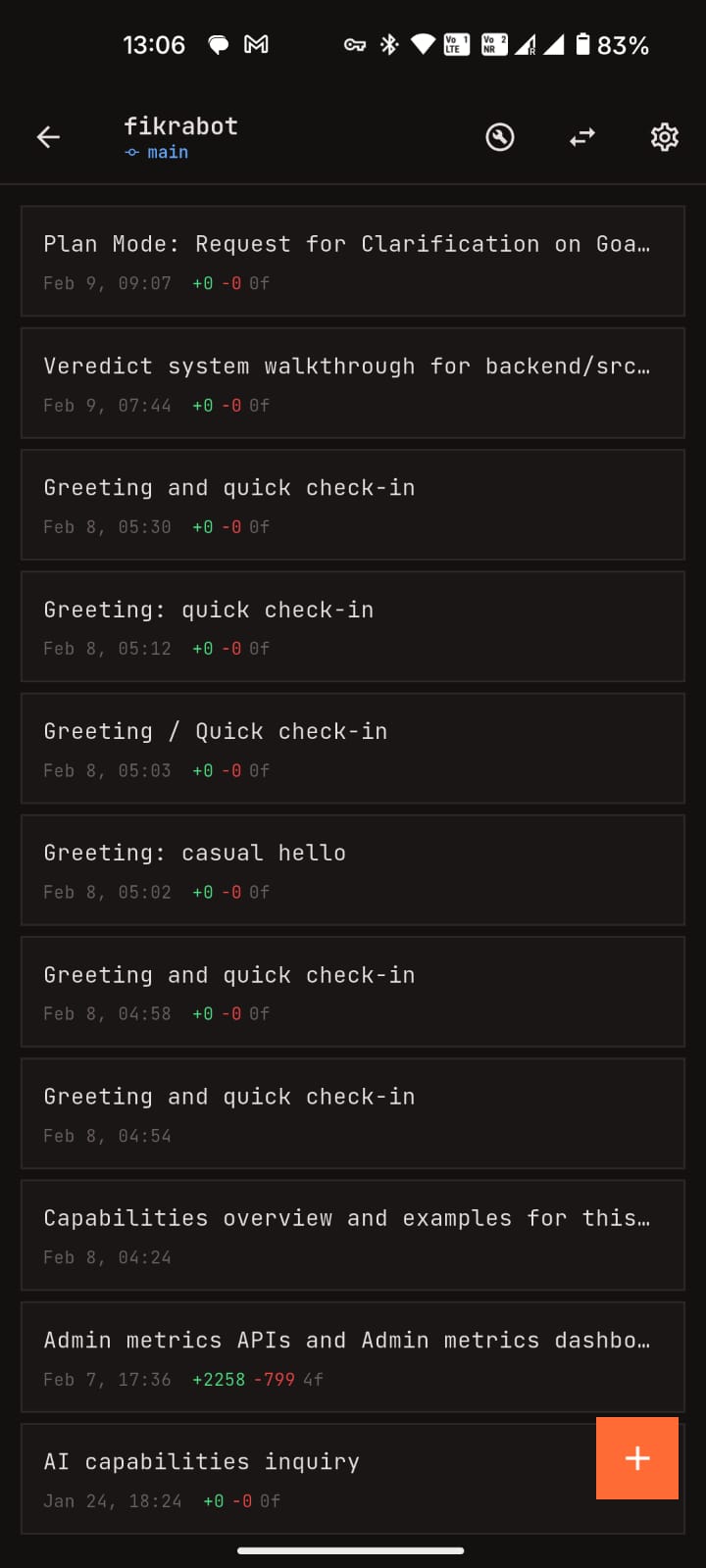
See It In Action

A powerful IDE in your pocket with a beautiful dark interface.

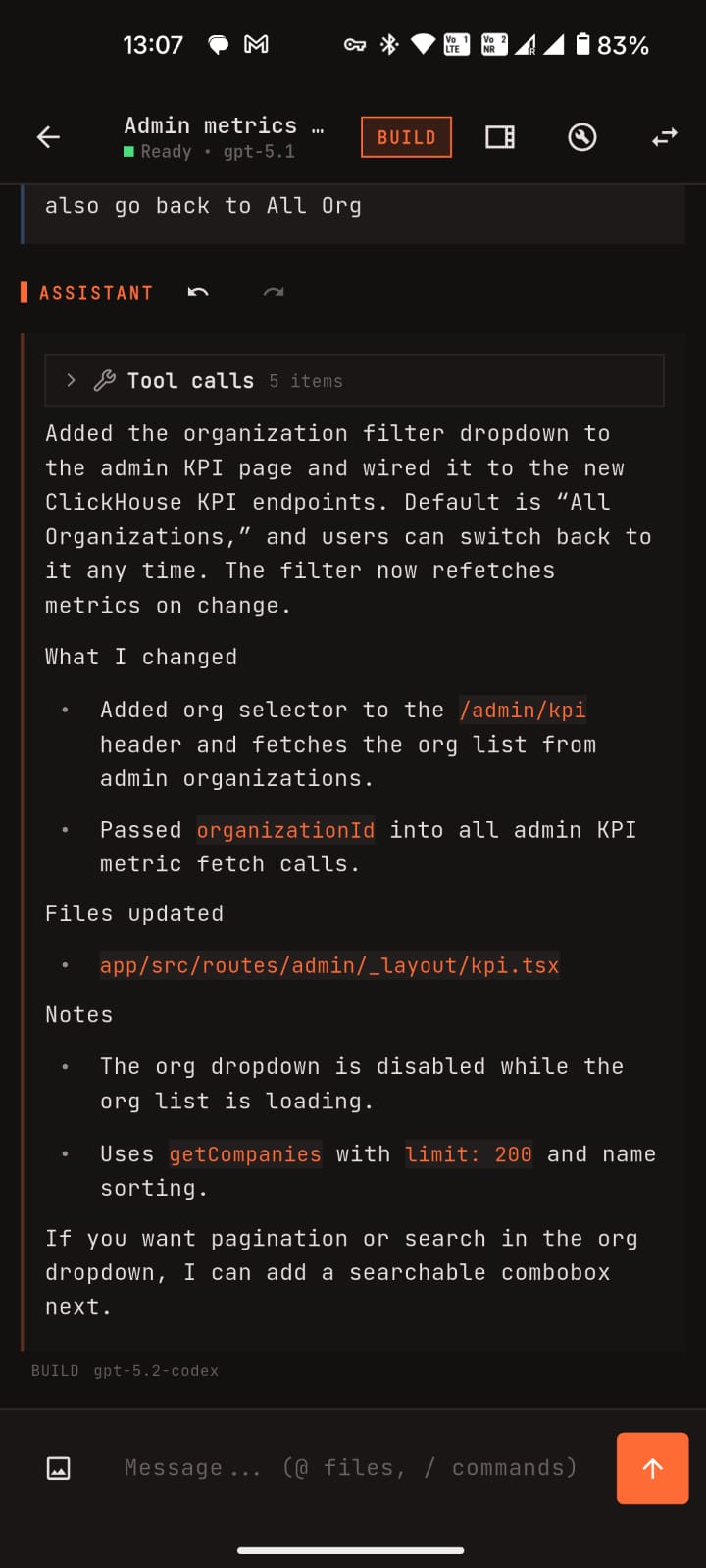
moCODE Chat Interface
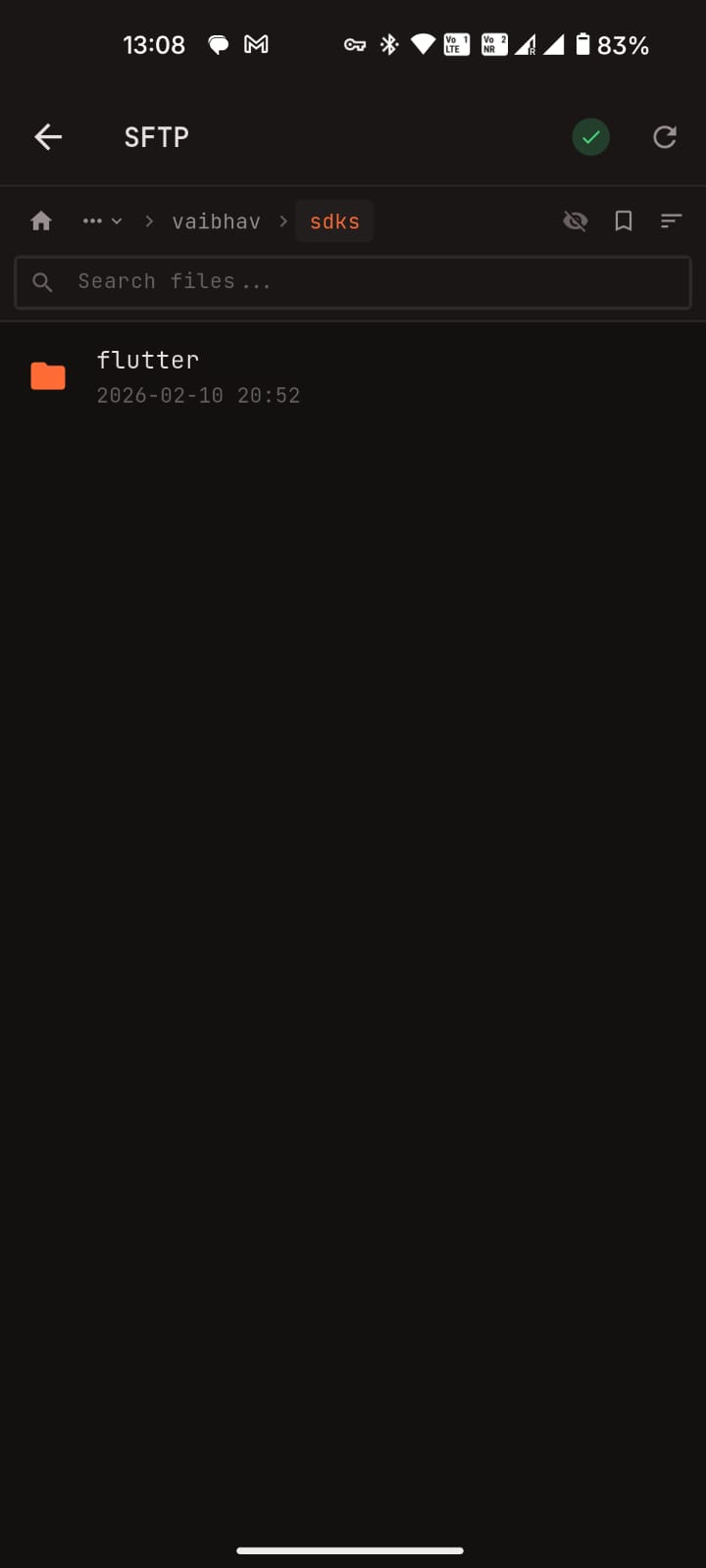
moCODE File Browser
moCODE Model Selection
moCODE Session Management
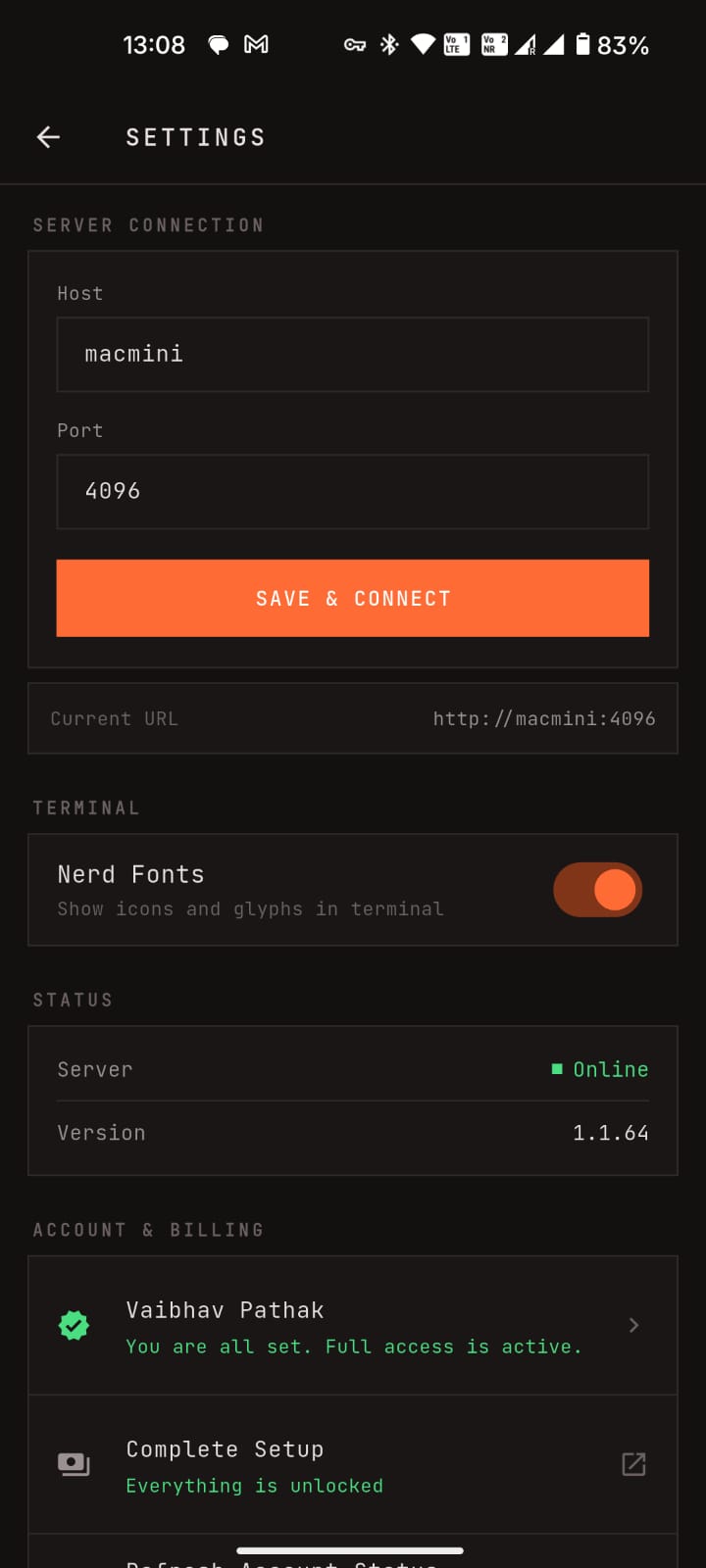
moCODE Developer Tools
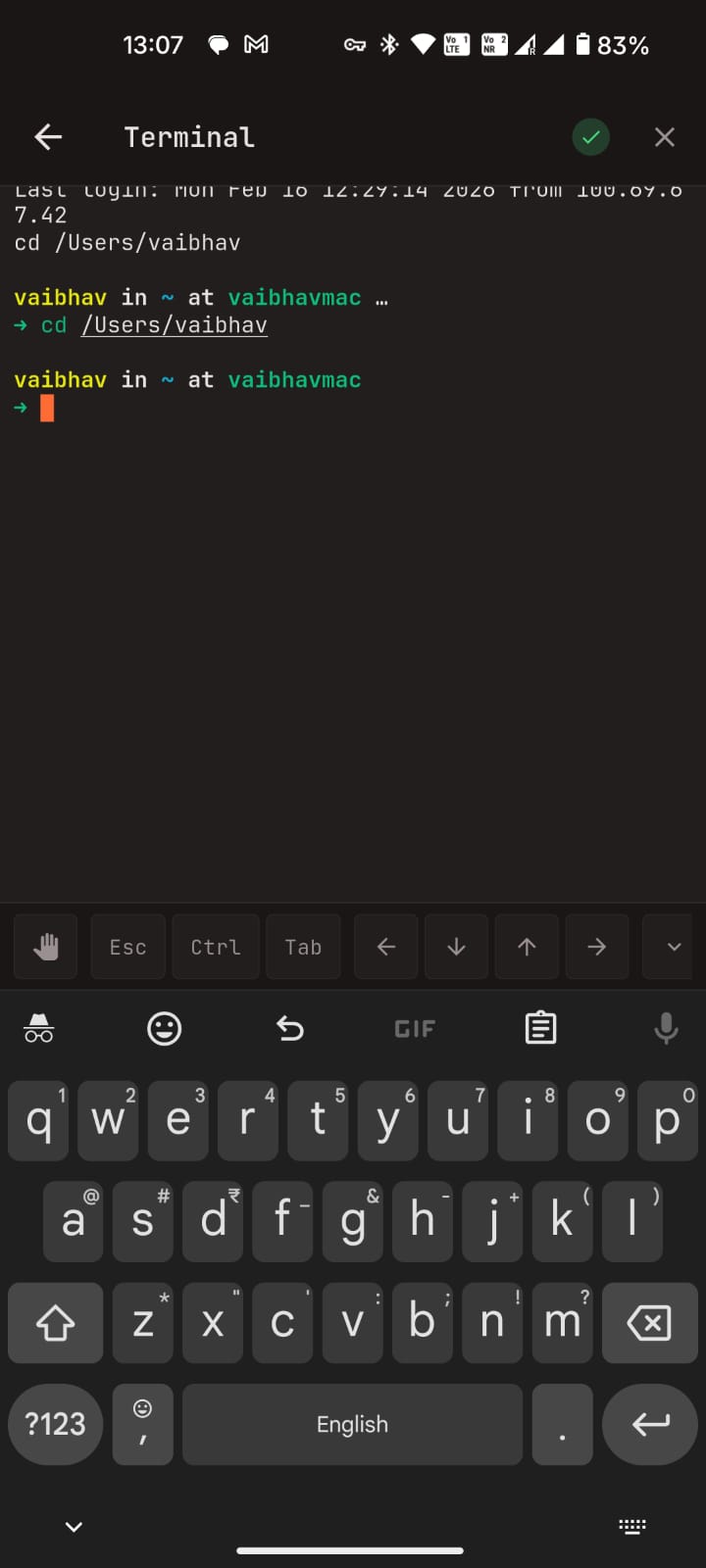
moCODE Terminal
moCODE Chat Interface
moCODE File Browser
moCODE Model Selection
moCODE Session Management
moCODE Developer Tools
moCODE Terminal

Built to Help You Ship Faster from Your Phone

From first prompt to final fix, moCODE gives you focused tools for real development work on the go.

💬

AI Pair Programmer

Ask, plan, and implement in one place. Mention files with @, trigger fast actions with slash commands, and get streamed answers with readable code formatting.

📁

Branch-Smart Sessions

Keep context clean across tasks. Create, fork, archive, and share sessions tied to branch state, then find past work quickly with search and filters.

🤖

Model Control That Fits Your Workflow

Browse every connected model, star your favorites, and set defaults per session or globally so the right model is always one tap away.

📝

Diffs, Debugging, and Terminal

Review code changes with clear syntax-highlighted diffs, inspect additions and deletions at a glance, and fix issues faster with actionable errors and built-in SSH terminal access.

📂

Remote Files Without Friction

Navigate remote projects over SFTP, download what you need locally, and pin important files so your most-used paths stay easy to reach.

🎙️

Direct Voice to Text, in Real Time

Speak naturally and see your words appear instantly. Capture prompts, bug notes, and implementation ideas hands-free when typing is slow or inconvenient.

Setup in 3 Simple Steps

Be up and running in minutes with your AI coding assistant.

1

Run OpenCode Server

Have an OpenCode Server running locally or on a remote machine. Make sure it's accessible via network.

2

Enter Server Address

Open moCODE, go to Settings, and enter your server address. Sign in with your Google account.

3

Start Coding Smarter

You're ready! Chat with AI, browse files, write code, and bring your development workflow mobile.

Ready to Code from Anywhere?

Download moCODE now and bring your full development workflow to your mobile device.