Now Available on Google Play

Code Anywhere with AI Assistance

The mobile companion for OpenCode/KiloCode Server. Connect to your server and bring powerful AI-assisted coding directly to your mobile device. Write, review, and ship code from anywhere.

See It In Action

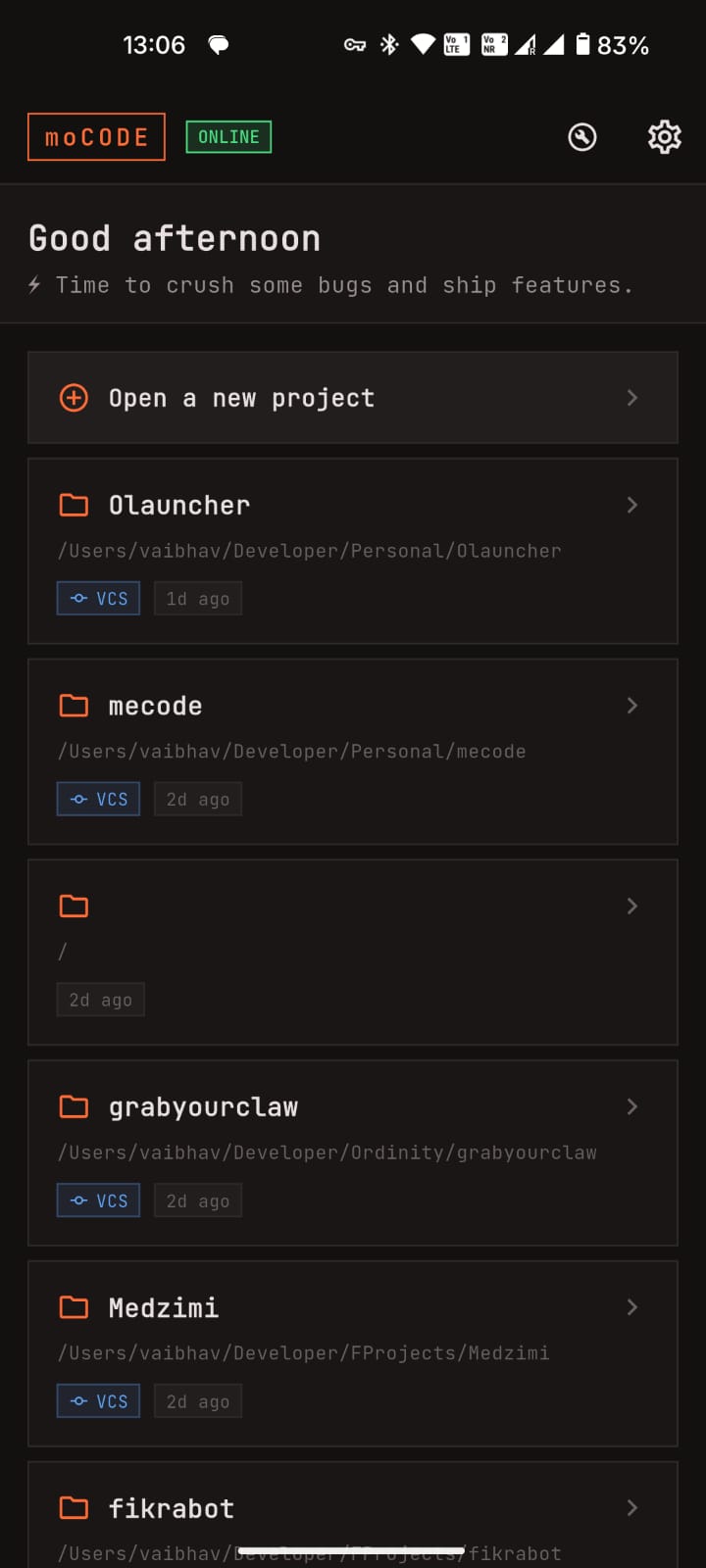
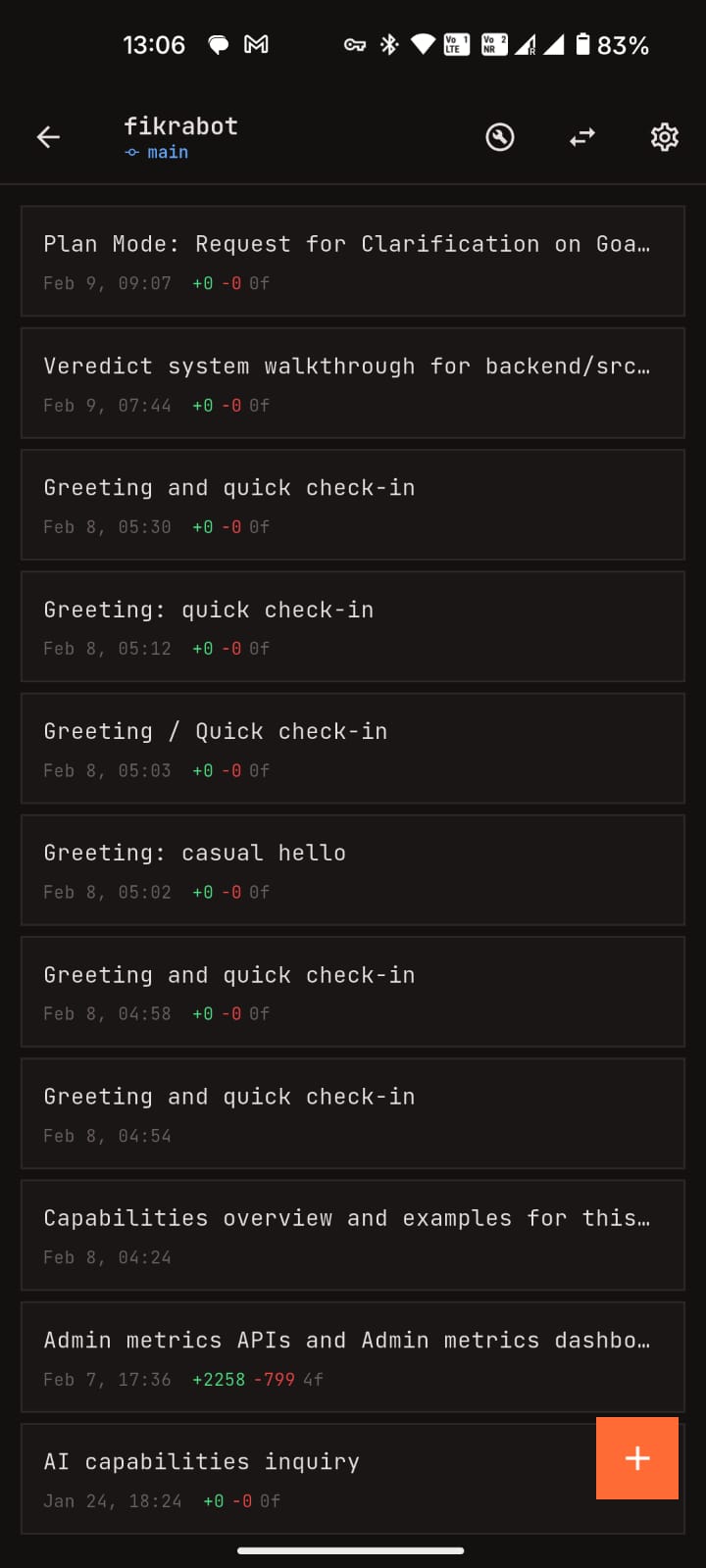
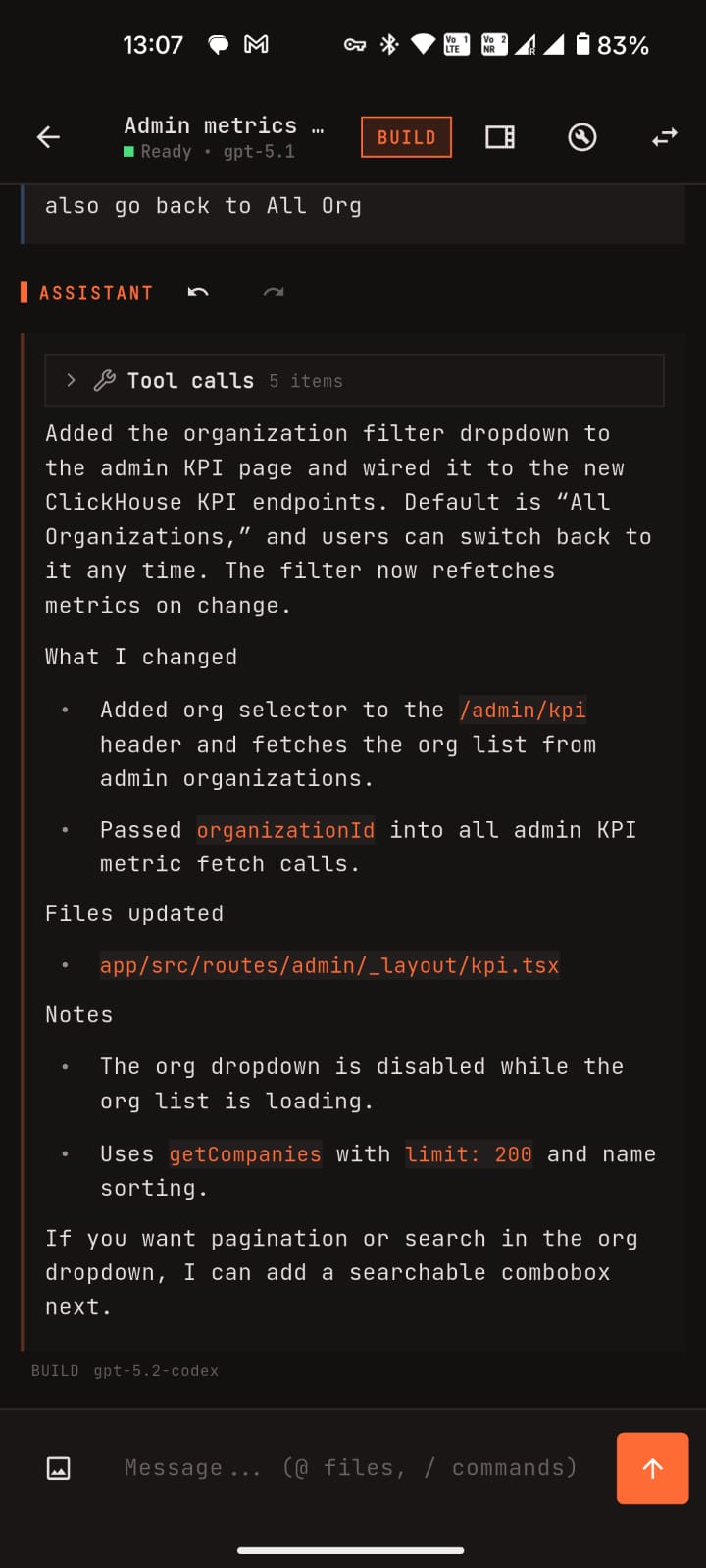
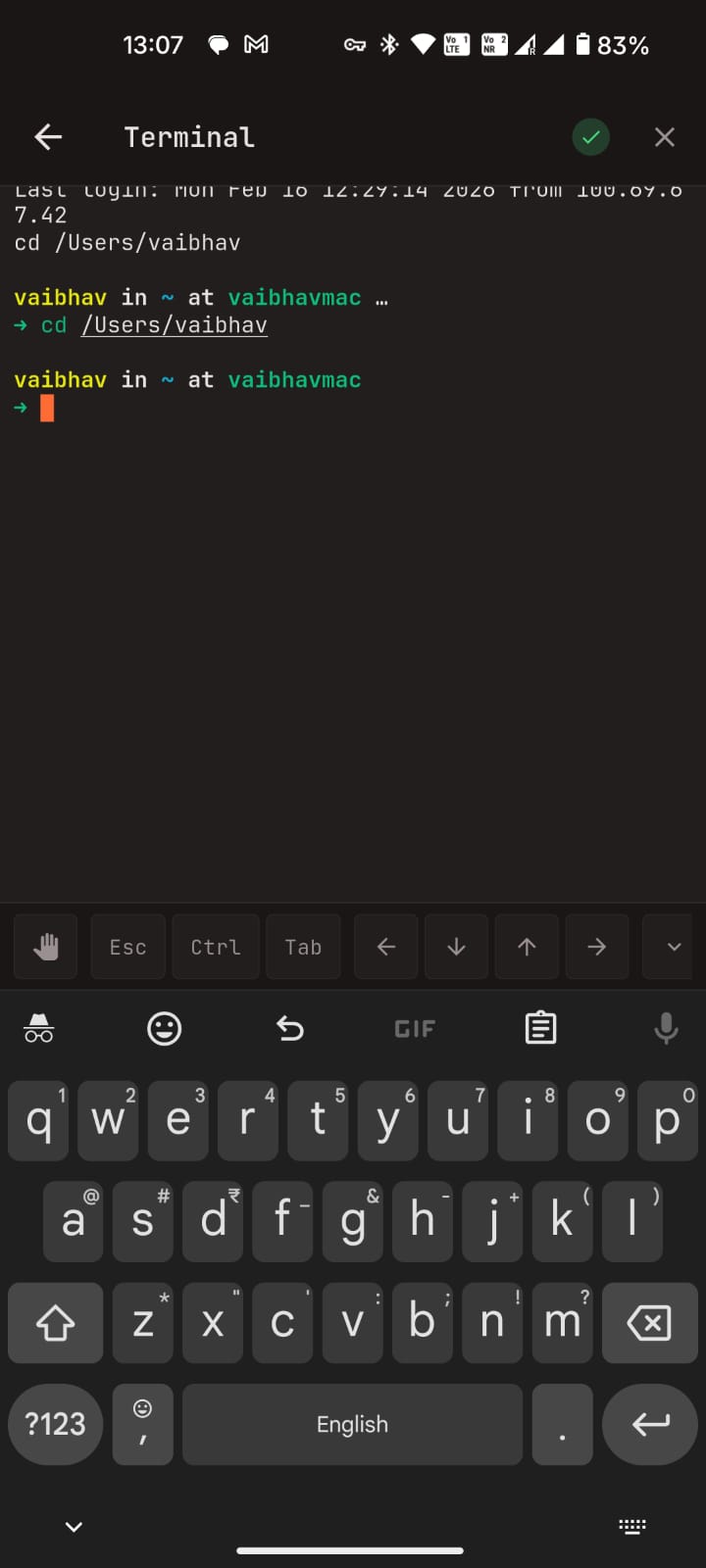
A powerful IDE in your pocket with a beautiful dark interface.

moCODE Chat Interface
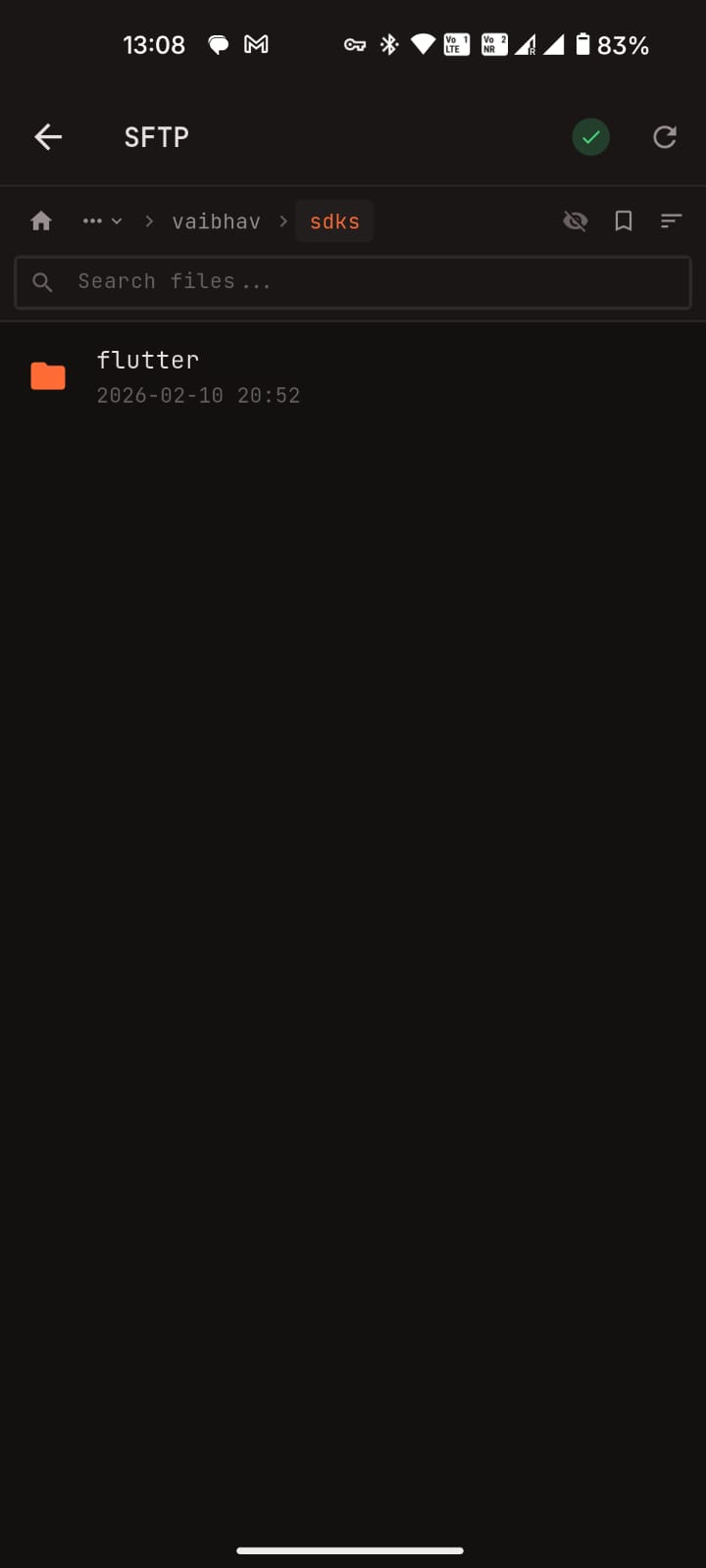
moCODE File Browser
moCODE Model Selection
moCODE Session Management
moCODE Developer Tools
moCODE Terminal
moCODE Chat Interface
moCODE File Browser
moCODE Model Selection
moCODE Session Management
moCODE Developer Tools
moCODE Terminal

Everything You Need for Mobile Development

A powerful IDE in your pocket with all the features developers expect.

💬

AI Chat Interface

Smart chat with @file mentions to reference files in conversations. Slash commands for quick actions. Markdown rendering with syntax-highlighted code blocks. Real-time streaming responses.

📁

Session Management

Create, fork, archive, and share chat sessions. Organize by Git branch status. Search and filter through your history. Safe deletion with confirmations.

🤖

Model Selection

Browse all available models from your providers. Star favorites for quick access. Set default models per session or globally. Full support for reasoning models.

📝

Developer Tools

Rich diff viewer with syntax highlighting. File changes sidebar showing additions/deletions. Clear error messages with troubleshooting. Built-in terminal with SSH support.

📂

File Browser

SFTP integration for remote file navigation. Download files directly to your device. Bookmark frequently accessed files with sorting options.

🔒

Secure & Modern

Built for developers who demand security. Modern interface designed for productivity. Regular updates and improvements.

Setup in 3 Simple Steps

Be up and running in minutes with your AI coding assistant.

1

Run OpenCode Server

Have an OpenCode Server running locally or on a remote machine. Make sure it's accessible via network.

2

Enter Server Address

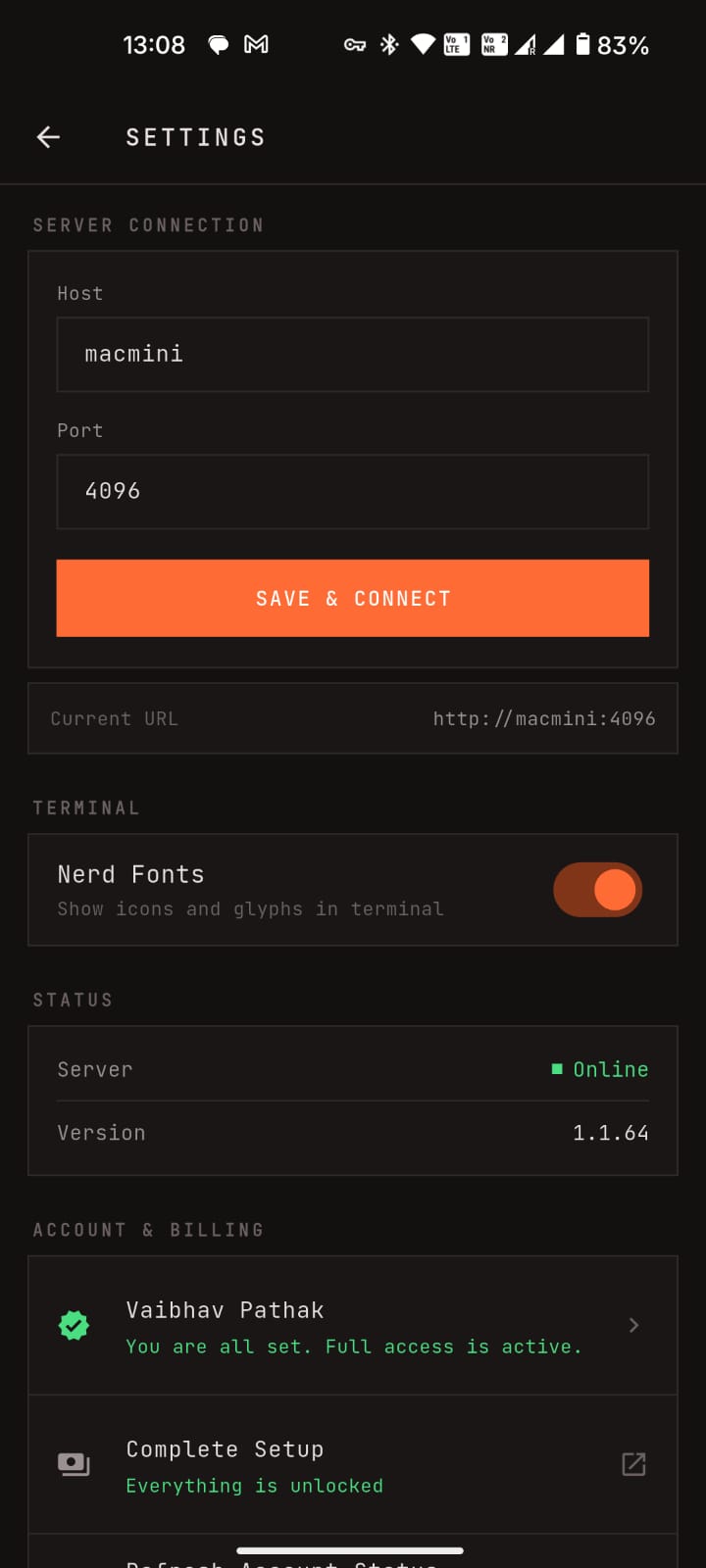
Open moCODE, go to Settings, and enter your server address. Sign in with your Google account.

3

Start Coding Smarter

You're ready! Chat with AI, browse files, write code, and bring your development workflow mobile.

Ready to Code on the Go?

Join our Google Play Tester program and be the first to experience new features. Your feedback shapes the future of moCODE.